
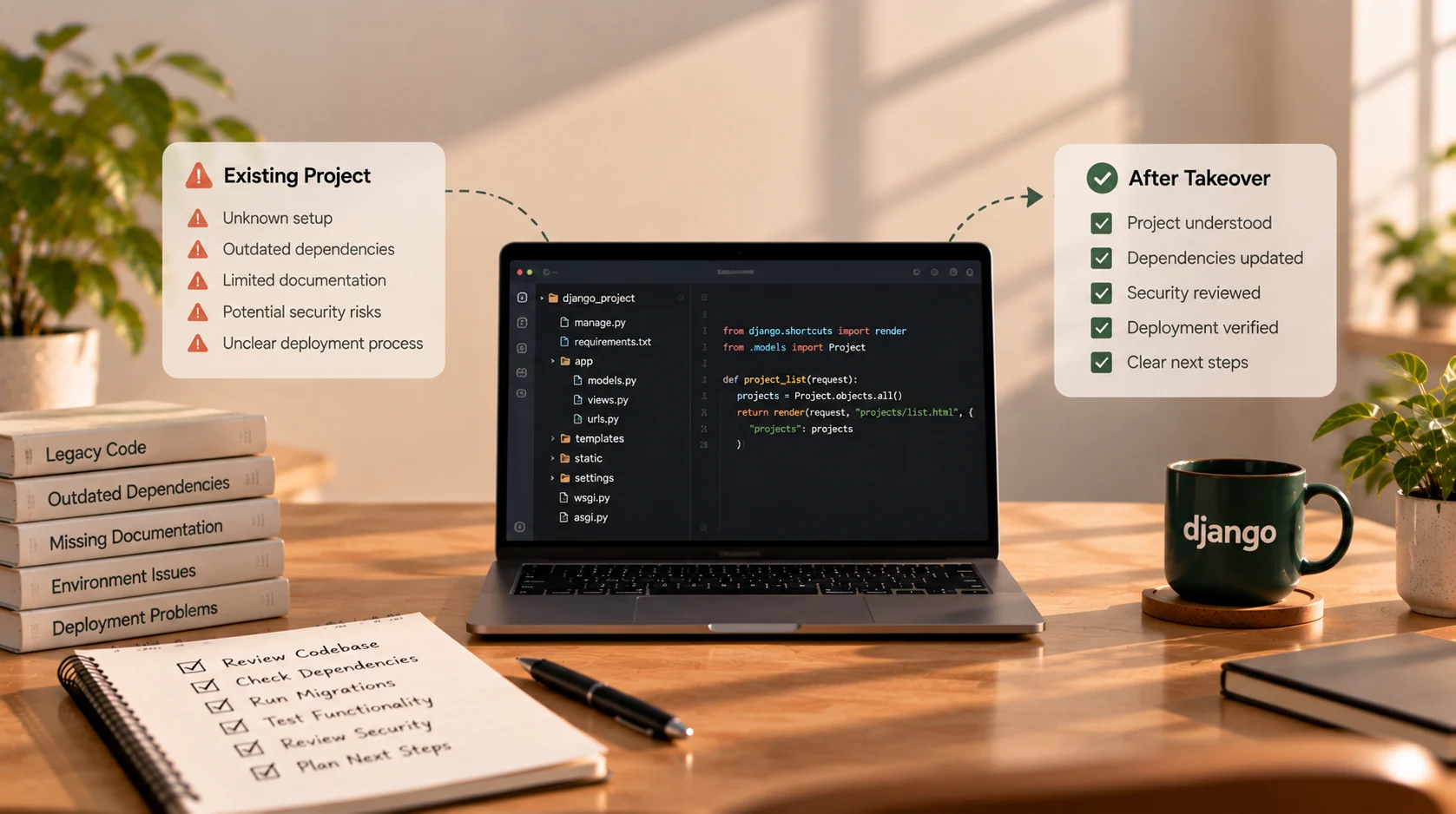
How to Take Over a Django Project From Another Developer
Your Django application is already built, but the developer who created it has moved on, communication has stopped, or the project has become difficult to maintain. Now you need someone new to understand the code, fix issues, and continue development without accidentally breaking the parts that already work.
This situation is common with existing software. The challenge is that a project is more than its source code. It may depend on production settings, database credentials, scheduled tasks, external APIs, uploaded files, cloud services, and deployment steps that were never properly documented.
The safest way to take over a Django project is to understand its current state before making major changes. A rushed rewrite or an immediate production fix can create avoidable risk when the existing system has not yet been mapped.
This guide explains how a developer can assess an existing Django application, secure access, identify risks, and create a practical plan for taking ownership.
1. Start With Access and Ownership
Before changing code, confirm that you have legitimate access to the systems needed to maintain the application. Ideally, the business should control the key accounts and grant the developer the minimum access required for the work.
Start by identifying:
- The source code repository and its owner.
- The production hosting or cloud account.
- The domain registrar and DNS management.
- The production database and backup location.
- File or object storage used for uploads.
- Email, payment, analytics, and other third-party services.
- Error tracking, monitoring, and deployment tools.
- Any CI/CD pipeline or scheduled job configuration.
Do not assume that access to the Git repository means the application can be deployed. The production environment may rely on environment variables, private configuration, service accounts, or settings that are not stored in the codebase.
Check who owns each account and who can recover access if a person leaves. Where accounts or services are controlled by the previous developer, plan a secure transfer rather than asking for passwords to be sent casually over email or chat.
If access cannot be verified, record that as a takeover risk before promising a delivery date.
2. Preserve the Current State Before Making Changes
Before updating dependencies, changing settings, or running migrations, establish a safe starting point.
At a minimum, aim to:
- Identify the current production version and source-code commit, if available.
- Confirm whether recent database and file backups exist.
- Verify that backups can be accessed and understand how restoration would work.
- Record the current deployment process and any known outages.
- Create a controlled working copy or branch for investigation.
- Agree on how changes will be reviewed and released.
A backup that has never been tested may not be sufficient for recovery. Where practical, verify the restore process in a safe environment before relying on it for a risky change.
Avoid experimenting directly against production data. If you need to investigate an issue, use a development or staging environment with appropriately protected data. If production access is unavoidable, agree on the scope and safeguards first.
3. Get the Application Running Locally
The next goal is to understand how the project is structured and determine whether it can be started in a controlled development environment.
Review the repository for the Django project settings, applications, URL configuration, models, migrations, templates, static files, tests, and dependency files. The layout varies by project, so do not assume every codebase follows the same structure.
Look for setup instructions such as a README, environment sample, Docker configuration, or deployment notes. Identify the Python version and how dependencies are installed. If the project uses environment variables, document the required variable names without copying production secrets into an unsafe place.
A typical local setup may involve creating a virtual environment, installing the declared dependencies, configuring development-only settings, and applying migrations to a local database. The exact commands depend on the project and its package manager.
If the application will not start, work through the error systematically:
- Is the expected Python version available?
- Are all required packages declared?
- Are environment variables missing?
- Does the database configuration match the local environment?
- Are migrations present and consistent?
- Does the application depend on a service that is not running locally?
- Are setup instructions outdated?
Do not “fix” a startup problem by changing several unrelated things at once. Record the original error, make one controlled change at a time, and note what resolves it. That makes the project easier to reproduce and maintain.
4. Review the Codebase Without Rewriting It Immediately
Once the application runs, inspect how its major parts fit together. The objective is not to judge the code by style alone; it is to understand the current architecture, identify risky areas, and determine what can be safely changed.
Review areas such as:
- Django apps and their responsibilities.
- Models and relationships between records.
- Views, serializers, forms, and business logic.
- URL routes and API endpoints.
- Authentication, permissions, and role checks.
- Integrations and background tasks.
- Tests and test fixtures.
- Dependency versions and deprecated packages.
- Duplicate or tightly coupled code that may complicate changes.
Trace a few important user workflows from beginning to end. For example, follow a registration or booking flow through the request handler, validation, database operations, and response. This often reveals more than reading files in isolation.
Avoid assuming that older code should be rewritten just because it is unfamiliar or inconsistent. A large refactor increases the number of changes at once and can make it harder to tell whether a new defect came from the original system or the takeover work.
Start by understanding what is working, what is failing, and which areas carry the highest risk.
5. Understand the Database and Existing Data
A Django project may contain years of production data, custom migrations, and assumptions that are not obvious from the model definitions alone.
Review the database configuration, models, migration history, indexes, constraints, and important relationships. Check whether the migrations in the repository match the state of the target environment. Investigate unusual manual changes before trying to reconcile them.
Questions to answer include:
- Which database engine and version does production use?
- Where is the database hosted and who controls access?
- When was the last verified backup?
- Are migrations applied consistently across environments?
- Are there large tables, slow queries, or data-integrity issues?
- Does the application store uploaded files outside the database?
- Are there data retention, privacy, or access requirements?
Be especially careful with migration commands and data cleanup. Do not reset or recreate a production database just to make the local setup easier. Before applying a migration to production, understand what it changes, whether it may lock large tables, and how recovery would work if the release fails.
6. Audit Production Settings and Security
A project that runs locally may still be misconfigured for production. Review settings and infrastructure with security and operational needs in mind.
For a Django application, inspect the production configuration for issues such as:
DEBUGbeing disabled in production.- A strong, private
SECRET_KEYsupplied securely. - Correct
ALLOWED_HOSTSand trusted-origin configuration where required. - HTTPS and secure cookie settings.
- Database credentials and other secrets kept out of source control.
- Appropriate access controls for admin and sensitive endpoints.
- Safe handling of uploaded files.
- Logging and error reporting that do not expose secrets or personal data.
- Dependencies that are outdated or have known security concerns.
Run Django's deployment checks against the appropriate production settings where you can do so safely. The official Django deployment checklist explains settings and operational considerations that should be reviewed before deployment. Its guidance should be applied to the project's actual Django version and environment.
Do not make production configuration changes blindly. For example, changing allowed hosts, HTTPS behavior, or secret-key configuration without understanding the deployment setup can cause an outage. Document the finding, assess the risk, and plan the fix.
7. Map the Deployment and Operational Process
A takeover is incomplete if the new developer can edit the code but cannot safely release it.
Find out how the application is currently deployed. It might use a CI/CD pipeline, a managed platform, a virtual machine, containers, or a manual process. Identify the application server, reverse proxy, static-file handling, environment configuration, database migration steps, and any background workers or scheduled tasks.
Also determine how the application is monitored and how errors are investigated. Look for logs, health checks, alerting, and any runbooks used during incidents.
Write down a repeatable deployment sequence, including:
- What needs to be built or collected before release.
- Which migrations or one-off tasks may be required.
- How environment settings are supplied.
- How the release is verified.
- How to identify and respond to a failed deployment.
- Whether a rollback is possible and what it would mean for database changes.
A Django application may use WSGI or ASGI, depending on its requirements and deployment architecture. The key is to identify what the current project actually uses rather than replacing it without a reason.
8. Check Integrations, Scheduled Tasks, and External Dependencies
Some of the most important behavior in a web app happens outside the main request-response flow. A project may send emails, process payments, sync records with another platform, generate reports, or run scheduled jobs.
Make an inventory of these dependencies. For each one, identify its purpose, credentials or account ownership, expected behavior, failure modes, and how it can be tested safely.
Check whether the application uses a task queue, worker process, cron job, webhook, or external scheduler. A local web server can appear healthy even when background tasks have stopped running.
For payment or messaging integrations, use sandbox or test modes where available. Never test potentially destructive operations against live services without a clear plan and explicit authorisation.
If an external API has changed or a credential has expired, determine whether the issue is in the application, the configuration, or the external service before deciding on a fix.
9. Establish a Baseline With Tests and Real Workflows
Before changing behavior, identify what can currently be verified. Existing automated tests are useful, but they may be incomplete or outdated. A lack of tests does not mean the application has no working behavior; it means more care is needed when making changes.
Start with the workflows that matter most to the business. Depending on the application, that might include login, account permissions, data entry, payment, booking, reporting, or an administrative task.
Use a combination of available automated tests and controlled manual checks. Record known failures separately from new regressions. If practical, add tests around important behavior before refactoring it.
A useful baseline includes:
- The main workflows that currently work.
- Known bugs and recurring incidents.
- Test commands and their current results.
- Important performance or availability concerns.
- Critical integrations and their health.
- The areas where the code is not yet understood.
This gives the business and developer a shared picture of the project's current condition.
10. Create a Prioritised Takeover Plan
After the initial assessment, turn the findings into a plan. Not every issue needs to be fixed immediately. Prioritise work according to risk, business impact, and dependencies.
A practical sequence may look like this:
| Priority | Typical examples | Recommended approach |
|---|---|---|
| Critical | Lost access, no reliable backup, exposed secrets, severe production outage | Address or contain before risky changes |
| High | Broken core workflow, failing payments, serious permissions issue | Investigate and plan a controlled fix |
| Medium | Missing tests, unstable deployment, recurring integration errors | Schedule focused remediation |
| Lower | Refactoring, style consistency, minor improvements | Address when it supports a defined goal |
The exact priority depends on the application. A small bug in a core financial workflow may be more urgent than a large refactor, while a security issue may require immediate action even if it is not currently visible to users.
Separate the assessment itself from implementation work. The initial review may reveal that the project needs a focused rescue task, a series of maintenance improvements, or a larger redevelopment effort. Decide after the facts are clearer rather than promising a full fix before the code has been assessed.
11. Agree on Scope, Communication, and Change Control
Once the technical picture is clearer, agree on what the next engagement covers.
Define the immediate goals, deliverables, priorities, access requirements, expected review process, and any known limitations. If the application has a long list of issues, identify which ones are in the first phase and which will be estimated later.
It is useful to agree on how progress will be reported, how urgent issues should be raised, and who can approve changes that affect production. A takeover often uncovers unknowns, so the plan should allow new findings to be documented and assessed rather than silently expanding the scope.
For a project with unclear requirements, a short assessment phase may be more appropriate than committing to a fixed estimate for every future task. If you need a structured starting point for a new scope, the web project brief template can help organise the goals, workflows, and constraints.
12. Document What You Learn
Knowledge transfer is part of the takeover, not an optional finishing task. As you investigate the project, record the details that would otherwise remain in one person's memory.
Useful documentation includes:
- How to set up the project locally.
- Required environment variable names and where secrets are managed.
- The database and migration workflow.
- How to run tests.
- How deployment works and how to verify a release.
- Which external services and background jobs are required.
- Known bugs, technical risks, and temporary workarounds.
- Where to find logs and how to investigate common failures.
- Who owns the important accounts and services.
Keep secrets out of documentation. Describe where authorised credentials are managed, not the credentials themselves.
This information helps the next developer work more safely and reduces the chance that the business faces the same knowledge gap again.
Common Mistakes When Taking Over a Django Project
Rewriting everything before understanding it. A rewrite can be justified, but it should follow an assessment of the existing system, risks, and business needs.
Making untested changes directly in production. Establish backups, a review process, and a safe way to validate changes first.
Assuming the repository contains every required setting. Production credentials, infrastructure, and third-party configuration may live elsewhere.
Ignoring migrations and existing data. Database changes can be difficult to reverse. Understand their impact before applying them.
Updating every dependency at once. Large batches of changes make regressions harder to diagnose. Plan and test updates according to their risk.
Treating a successful local run as proof of production readiness. Production uses different settings, services, traffic patterns, and operational constraints.
Failing to document the takeover. Without notes, the next developer may have to repeat the same investigation.
Django Project Takeover Checklist
- Repository access and ownership are confirmed.
- Hosting, domain, database, and third-party account ownership are understood.
- Recent backups are identified and recovery has been considered.
- The project can be run in a controlled development environment, or blockers are documented.
- Python, Django, and dependency versions are recorded.
- Models, migrations, core workflows, and important integrations are mapped.
- Production settings and security risks have been reviewed.
- Deployment, background tasks, and monitoring are understood.
- Existing tests and known failures are recorded.
- Critical risks and priorities are documented.
- The first phase of work has a clear scope and approval process.
- Setup, deployment, and maintenance notes are updated.
Need Someone to Take Over Your Django Application?
If your Django project is already live but the previous developer is unavailable, the first step is to understand what exists before deciding what should change.
A structured review can help identify access gaps, deployment risks, unstable features, missing documentation, and the most important work to address first. The outcome may be a focused fix, a maintenance plan, or a larger improvement project depending on what the assessment finds.
Contact Sajid Kalam with a short description of your Django application, what is currently not working, and what access or documentation you have available. You do not need to solve every technical question before starting the conversation.