
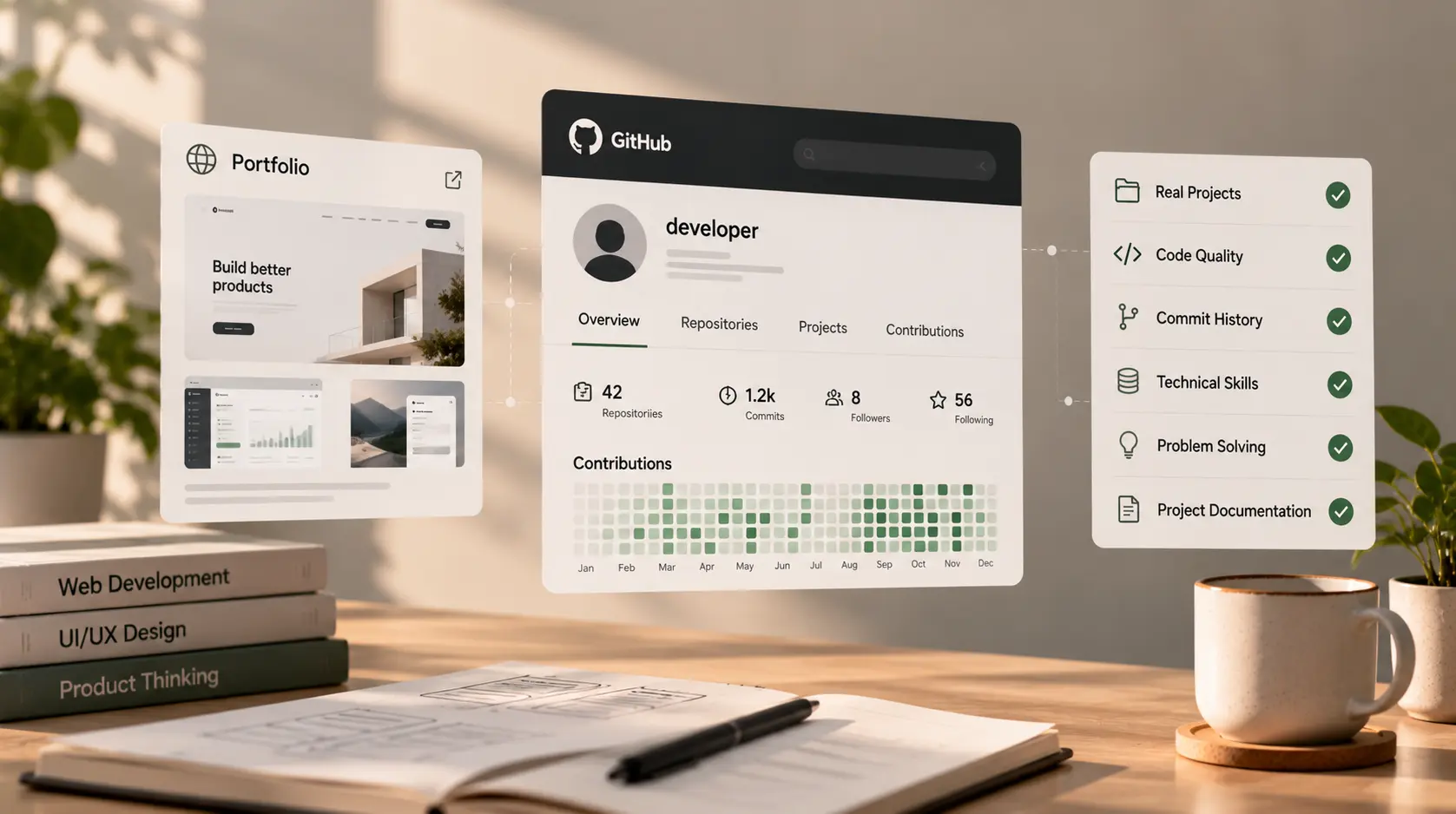
How to Evaluate a Developer's Portfolio and GitHub
A developer’s portfolio can tell you what they have worked on, while their GitHub profile may offer clues about how they approach code. Together, they can help founders and recruiters shortlist candidates before interviews.
But neither one tells the whole story.
A polished portfolio does not automatically mean someone can deliver your project. A quiet GitHub account does not necessarily mean a developer lacks experience. Some developers work mainly in private repositories, contribute to company code they cannot share, or build projects that are not suitable for public release.
The goal is not to judge a developer by the number of projects, stars, or commits. It is to gather evidence, ask better questions, and understand whether their experience matches the work you need done.
This guide explains how to evaluate a developer portfolio and GitHub profile—even if you are not a technical expert.
1. Start with your project requirements
Before opening a portfolio, write down what your project actually needs. Otherwise, it is easy to be impressed by an attractive website or a long list of technologies that have little connection to your requirements.
For example, a business website, a Django-based web application, and a customer portal have different needs. One may require responsive layouts and content management; another may depend on authentication, database design, APIs, role-based access, or integrations.
Create a short list of the skills and outcomes that matter most:
- Relevant project or industry experience.
- The main technologies your project requires.
- Similar features or technical challenges.
- Experience working with existing systems, if applicable.
- Testing, deployment, documentation, and maintenance expectations.
- Communication and collaboration needs.
Then review each candidate against the same criteria. This makes comparisons fairer and helps prevent unrelated portfolio work from dominating your decision.
If you are still defining the role, the Django developer hiring checklist can help you prepare questions about experience, process, and project fit.
2. Look for relevant projects, not just a long portfolio
A portfolio with three relevant projects may be more useful than one with twenty unrelated examples.
For each project, look for a clear explanation of:
- The problem: What was the client or user trying to achieve?
- The solution: What did the developer build or improve?
- Their role: Which parts did they personally handle?
- The tools: Which languages, frameworks, platforms, or services were used?
- The result: What changed after the work was delivered?
Results are strongest when they are specific and verifiable. A developer might explain that they improved a workflow, connected an API, reduced a manual task, or made a site responsive. Not every project has public business metrics, and confidential client information should not be disclosed.
If the portfolio only shows screenshots, ask for context. Screenshots can demonstrate visual presentation, but they do not show how the application behaves, whether it works on mobile, or how the backend was designed.
Questions to ask
- “What was the original problem this project needed to solve?”
- “Which parts did you personally build?”
- “What was the hardest technical or product decision?”
- “What would you improve if you worked on it again?”
Clear, consistent answers are often more informative than a flashy presentation.
3. Verify the developer’s contribution
A project may have been created by a team, adapted from a template, or built by someone else before the candidate joined. That is not automatically a problem. The important thing is to understand the candidate’s actual contribution.
Ask them to separate their work from the work completed by designers, other developers, agencies, or the client. For team projects, they should be able to describe the areas they owned and how they collaborated.
You can also ask for a short walkthrough of one relevant project. Have them explain the structure, a key feature, a difficult bug, or a trade-off they made. If source code is available, they can show the relevant parts without exposing secrets or proprietary information.
A useful signal: The developer can explain why the project works the way it does, describe the decisions they made, and acknowledge what other people contributed.
A warning sign: Their explanation repeatedly conflicts with the portfolio description, or they cannot explain even the parts they claim to have built.
Do not assume that a developer is dishonest just because they cannot share a client's private code. Respect confidentiality and look for other ways to verify their experience.
4. Review the live website or application
If a project is publicly accessible, explore it as a user rather than looking only at its homepage.
Check the basics:
- Does the site load and display correctly?
- Is it usable on a phone as well as a desktop?
- Do navigation, forms, buttons, and key workflows behave as expected?
- Are there obvious broken links or unfinished sections?
- Is the content readable and the interface reasonably consistent?
- Does the project appear to solve the problem described in the portfolio?
For an application, explore the main user journey if a demo account is available. Do not try to access private areas, bypass permissions, or test systems in ways the owner has not authorized.
A live site is only one piece of evidence. Problems may be caused by later changes, hosting issues, third-party services, or decisions outside the developer’s control. Similarly, a visually polished website does not prove that the code is maintainable or secure.
5. Read the GitHub profile in context
GitHub can provide useful clues about a developer’s public work, but it is not a universal scorecard.
Start by reviewing the repositories that are relevant to your project. Look at their descriptions, README files, language choices, recent activity, and whether the project appears understandable to another developer.
Do not judge a candidate only by:
- The number of repositories.
- The number of followers or stars.
- A green contribution graph.
- How frequently they commit.
- Whether they use a particular editor or workflow.
These signals can be misleading. A developer may spend most of their time in private company repositories, contribute through another platform, or work on projects that are not public. A high number of commits does not guarantee good code, and a small number does not establish poor ability.
Use GitHub to start a conversation about the code—not to replace one.
6. Inspect a repository’s README and project structure
A useful repository should help another person understand what the project does and how to work with it.
Look for a README that explains, where appropriate:
- The project's purpose and main features.
- The technologies and dependencies used.
- Setup and installation steps.
- Required environment variables, without exposing secret values.
- How to run tests.
- How to start the application locally.
- Any important limitations or assumptions.
The structure should be understandable for the size and purpose of the project. A small learning project does not need the same documentation as a production application, so judge it in context.
For a web application, you might expect to see a sensible separation of concerns rather than one enormous file containing every feature. In a Django project, for example, look for a recognizable project configuration, apps or modules where appropriate, dependency information, and clear setup instructions. Do not insist on one exact structure: different projects have different needs.
If the repository has no README, ask the developer to explain how someone else would set it up and maintain it.
7. Look for maintainability, not cleverness
You do not have to read every line of code to ask whether a project looks maintainable. If you are non-technical, ask the candidate to walk you through a small but representative part of the code or arrange for a qualified technical reviewer to assess it.
Useful signs may include:
- Descriptive names for functions, variables, classes, and files.
- Functions or modules with clear responsibilities.
- Repeated logic handled sensibly rather than copied everywhere.
- Error handling for expected failure cases.
- Comments that explain decisions where needed.
- Dependencies that are documented and reasonably managed.
- Tests for important behaviour where appropriate.
No codebase is perfect. A small prototype may be less polished than a mature production system, and style preferences vary. Focus on whether the developer can explain their choices and make the code understandable for future work.
Ask: “If another developer had to maintain this project six months from now, what would help them understand it?”
8. Check tests, security awareness, and reliability
A portfolio rarely proves that a developer has strong security or testing practices. Treat it as an opening for questions, not as certification.
Ask how they test important workflows and handle errors. For a project with accounts, payments, personal information, or business-critical data, ask about authentication, permissions, input validation, secret management, backups, dependency updates, and how sensitive information is protected.
For GitHub repositories, look for tests or documented testing steps when they make sense for the project. Automated checks may be present, but their existence alone does not prove the application is safe or reliable.
You can ask:
- “How did you test the most important user journeys?”
- “How are credentials and API keys kept out of source control?”
- “How are access permissions handled?”
- “What would you monitor or back up after launch?”
A good answer should be proportionate to the project. A simple portfolio site and a healthcare application do not have the same risk profile. For sensitive or regulated projects, use an appropriately qualified reviewer and follow applicable requirements rather than relying on a portfolio review alone.
9. Look at commit history and collaboration clues carefully
When a repository has a meaningful commit history, it can help you understand how the work evolved. Descriptive commit messages, incremental changes, and evidence of fixes may make the project easier to follow.
However, commit history is easy to misinterpret. Some developers squash commits, commit in batches, use a different version-control platform, or contribute through a team's shared account. A tidy history is not proof of expertise, and an untidy history is not automatically disqualifying.
For collaborative projects, ask how the developer uses branches, code reviews, issue tracking, and pull requests. These practices matter more when the project involves multiple contributors or needs ongoing maintenance.
If you review pull requests or issue discussions, respect privacy and confidentiality. Do not ask candidates to reveal private employer code, client information, or internal conversations.
10. Check whether the developer can explain trade-offs
A strong developer does not simply list technologies. They can explain why a choice made sense for the requirements at the time.
Ask about decisions such as:
- Why they chose a particular framework or database.
- How they handled a third-party integration.
- What they did when a feature became more complex than expected.
- Which trade-offs they made between speed, cost, and maintainability.
- What they would change if the project had to support more users or new features.
You are not looking for one perfect answer. You are looking for reasoning that is understandable, relevant, and honest about limitations.
If the candidate claims a project was highly scalable, secure, or exceptionally fast, ask what evidence supports the claim. Avoid treating marketing language as a technical result unless it can be explained and verified.
11. Ask for references or another form of verification
For a substantial project, a reference from a former client or colleague can add context to a portfolio. Ask permission before contacting anyone, and keep questions focused on the professional relationship.
You might ask the reference whether the developer communicated clearly, met agreed commitments, handled unexpected problems, and handed over the work appropriately.
Some developers cannot share client names because of confidentiality agreements. In that case, consider alternatives such as a live project walkthrough, a public code sample, a technical discussion, or a small paid evaluation task with a clear scope. Avoid asking candidates to complete substantial unpaid work as a condition of being considered.
A simple developer portfolio evaluation scorecard
Use this scorecard to compare candidates consistently. Rate each area from 1 to 5, where 1 means “little evidence” and 5 means “strong, relevant evidence.” If an area cannot be assessed from public material, mark it “Not assessed” and ask a follow-up question rather than guessing.
| Evaluation area | What to look for |
|---|---|
| Relevance | Similar projects, technologies, or challenges |
| Contribution | Clear explanation of the developer's own work |
| Project quality | Working demo, coherent user experience, appropriate functionality |
| Code readability | Understandable structure and naming in available code |
| Documentation | Clear setup instructions and project context |
| Testing and reliability | Appropriate tests and a sensible approach to handling errors |
| Technical reasoning | Ability to explain decisions and trade-offs |
| Collaboration | Clear account of teamwork, reviews, and communication |
| Verification | References or another credible way to validate claims |
The score is a discussion aid, not an objective measure of a person's ability. Do not give someone a low score simply because private work cannot be shown. Record what you know, what remains uncertain, and what you need to verify.
Common mistakes when evaluating a portfolio
Choosing the most visually impressive website
Design matters when it is relevant to the role, but a beautiful homepage does not prove backend ability, data modelling, integration experience, or maintainability. Match the evidence to the work you need.
Treating GitHub activity as a productivity ranking
Commit counts, streaks, and stars are not reliable stand-alone measures. Look at relevant repositories and the quality of the candidate's explanations instead.
Assuming every project must be public
Professional developers often work on private code. Ask for evidence they are permitted to share, not confidential material.
Expecting every candidate to use your preferred stack
A developer may be able to learn a new tool, while experience with your existing technology may reduce delivery risk. Evaluate the actual requirements rather than personal preferences.
Skipping the conversation
A portfolio is evidence to discuss, not a substitute for interviewing. Ask the developer to explain one project in depth and connect their experience to your goals.
Final thoughts
To evaluate a developer portfolio effectively, look beyond presentation and popularity. Check whether the projects are relevant, verify the candidate’s contribution, explore live work where possible, and use GitHub to understand documentation, structure, and technical reasoning.
Keep your assessment fair. A quiet GitHub profile is not proof of weak skills, and a large portfolio is not proof of consistent quality. The strongest decision comes from combining portfolio evidence with a focused conversation, references where available, and a clear project brief.
For examples of the kinds of work a developer may present, you can explore the Projects page. If you are still shortlisting candidates, use the Django developer hiring checklist alongside this guide to structure your questions.